Program
0: download anaconda for python 3.5 if you don't!
Part I:
- Preliminars:
- What's python?
- Why python?
- Installing python
jupyternotebook basics
- Python language (
basic_syntax.ipynb):- Basic syntax and core structures (loops, functions, lists, ifs, strings...)
- file operations (list directory, r/w files, get data from web,...)
- Example dogs vs cats.
- coffee break!!
numpy(numpy.ipynb):- basic matrices
- read image as matrix
- basics on matrix transformations.
- Construct data set for machine learning task.
matplotlib:- plot image, histogram
Part II:
scikit-learn(machine_learning.ipynb):- predict label on image
- show prediction metrics (accuracy, ROC, confussion matrix).
- Deep learning (
deep_learning.ipynb):- Use pretrained CNN with
keras.
- Use pretrained CNN with
- Conclussions:
- my way of working.
- Where to go to learn more.

What's python?
- It's a programming language.
- It's an interpreted programming language.
Why python?
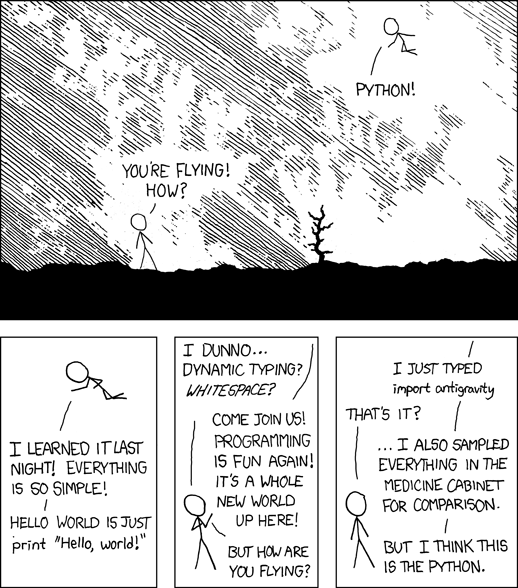
Why python?
- It's free
- Specifically dessigned to be:
- Easy to read
- Easy to learn (we'll see...)
- Easy to maintain
- It can be easily integrated with C, C++ and Java.
- High level language.
- It has a great ecosystem of packages for scientific computing, for scripting and for web development.
Scientific (core) packages:
- numpy: for eficient and easy to read/write matrix manipulation (inspired by Matlab).
- matplotlib: for graphics (also inspired by Matlab)
- pandas: for tabular (DataFrame) structures (like R's Dataframe).
- scikit-learn: for machine learning algorithms (really good documentation). example
- SciPy. Optimization, interpolation, fourier transform, sparse matrices...
Scientific (good to know) packages:
- bokeh library for interactive graphics
- seaborn highlevel graphics based on matplotlib.
- Deep learning (using GPU):
- Theano.
- Tensorflow the one released by google.
- keras built on top of Theano or TensorFlow. It comes with Pretrained CNN.
- GPy. For gaussian processes.
- numba for highly efficient python code.
- sympy symbolic maths (derivatives, integrals, limits...)
- cvx convex optimization.
GIS and teledetection:
Images, computer vision:
- PIL (pillow) open, resize images.
- scikit-image
- cv2 OpenCV highly optimized computer vision library
Web development packages:
Other:
- luigi pipelines of batch jobs
# %load server.py
from flask import Flask
app = Flask(__name__)

@app.route("/")
def hello():
    return "Hello IPL!"

if __name__ == "__main__" and False:
    app.run(port=6969, host="0.0.0.0")
Installing python
Getting started with conda, anaconda...
conda is a package manager. Anaconda is a set of (~150) python packages for scientific python together with jupyter and spyder (spyder is a MATLAB/rstudio like environment).
- Download & install python 3.5 anaconda: https://www.continuum.io/downloads (The 150 packages together with conda package manager).
- Download repository of the talk: (https://github.com/gonzmg88/python_course_ipl). (clone repo or download zip from here)
- Open terminal in the folder of the repository of the talk.
- Copy the
train.zipin the folder of the repository. - Execute:
jupyter notebookand select the notebookbasic_syntax.ipynb.
Resources:
Python Zen Principles
import this
jupyter basic usage
Insert>Cell Above/Cell BellowEdit>Split Cell/Move Cell Up/DownHelp>Markdown syntax help. In markdown cells you can embed HMTL- Double click on the cell to edit the content and see the source
Ctrl + Enterexecute current cell- In markdown cells you can write $\LaTeX$ equations: $$ \mathcal{L}(\omega) = \sum_{i=0}^N \Big(f(x_i;\omega)-y_i\Big)^2 $$
Cell>Cell typeto distinguish between code cells and text (markdown) cells.File>Download as>HTMLto download the content of the notebook as a plain HMTL.- This presentation is done in jupyter:
jupyter nbconvert --to slides PythonCourse.ipynb --reveal-prefix=reveal.js --post serve
Basic syntax notebook
Preparing for the exercises
Code for downloading the data of dogs vs cats kaggle competition.
import os
import urllib.request
import zipfile

# urllib.request.urlretrieve('http://example.com/big.zip', 'file/on/disk.zip')
train_file = "train.zip"
train_folder = "train"
# Download data

if not os.path.exists(train_file) and not os.path.exists(train_folder):
    print("Proceding to download the data. This process may take some time..")
    urllib.request.urlretrieve("https://www.dropbox.com/s/8lbkqktfofzjraj/train.zip?raw=1", train_file)
    print("Done")
else:
    print("data file {} has already been downloaded".format(train_file))

# unzip files

# If folder train does not exists extract all elements
if not os.path.exists(train_folder):
    with zipfile.ZipFile(train_file, 'r') as myzip:
        myzip.extractall()
    print("Extracted")
else:
    print("Data has already been extracted")

all_files = os.listdir("train")
Exercise 1
Retrieve a list with only dog files.
# "standard" solution:
dog_files = []
for fil in all_files:
    if 'dog' in fil:
        dog_files.append(fil)
print(len(dog_files))
# "list comprenhension" solution:
dog_files = [fil for fil in all_files if 'dog' in fil]
print(len(dog_files))
# Cheating solution:
import glob

dog_files = glob.glob("train/dog*.jpg")
print(len(dog_files))
Exercise 2
Display an image using Image from Ipython.display
from IPython.display import Image

Image(dog_files[30])

Exercise 3
Create a function that download and unzip the data. Put that function in a file under the current directory. Import the module and run the function.
# %load dogs_vs_cats.py
import os
import urllib.request
import zipfile

def image_files(train_file = "train.zip",train_folder = "train"):
    if not os.path.exists(train_file):
        print("Proceding to download the data. This process may take some time..")
        urllib.request.urlretrieve("https://www.dropbox.com/s/8lbkqktfofzjraj/train.zip?raw=1", train_file)
        print("Done")
    else:
        print("data file {} has already been downloaded".format(train_file))

    # unzip files
    # If folder train does not exists extract all elements
    if not os.path.exists(train_folder):
        with zipfile.ZipFile(train_file, 'r') as myzip:
            myzip.extractall()
        print("Extracted")
    else:
        print("Data has already been extracted")

    return [os.path.join("train",img) for img in os.listdir("train")]
numpy
NumPy, short for Numerical Python, is the fundamental package required for high performance scientific computing and data analysis. It is the foundation on which nearly all of the higher-level tools scientific computing tools are built. Here are some of the things it provides:
ndarray, a fast and space-efficient multidimensional array providing vectorized arithmetic operations and sophisticated broadcasting capabilities.- Standard mathematical functions for fast operations on entire arrays of data without having to write loops
- Linear algebra, random number generation, and Fourier transform capabilities
- Tools for integrating code written in C, C++, and Fortran
Taken from chapter 4.
(Annoying/Awesome) Differences with MATLAB
- Indexes start in 0 and the last element is not included! 0:2 means indexes 0,1
- Multiplication
*is element-wise multiplication - Column vectors are NOT 1D arrays. If you want a column vector from a 1D vector you need to
expand_dimsyour 1D vector. - It is possible to operate arrays of different shapes according to this broadcasting rules.
- MATLAB is dessigned for matrices while
numpyis dessigned for multidimensional arrays.
Exercise 4
Generate a training set of 4000 randomly selected images (features and labels).
- Feature matrix must have in each row a flatted image resized to (50,50,3) (i.e. shape must be (4000,
50*50*3)). - label matrix must have ones if the row contains the image of a dog and 1 if it has a cat.
Show image number 124 of such array using matplotlib.pyplot.
import dogs_vs_cats
all_files = dogs_vs_cats.image_files()
import skimage.transform as sktrans
from scipy import ndimage
import numpy as np

n_images = 4000
index_files_selected = np.random.choice(len(all_files),size=n_images,replace=False)
feature_array = np.ndarray((n_images,50*50*3),dtype=np.float16)
label = np.ndarray((n_images),dtype=np.uint8)
for i,indice in enumerate(index_files_selected):
    print("Reading image (%d/%d)"%(i,n_images))
    image = ndimage.imread(all_files[indice])
    image_down = sktrans.resize(image, (50, 50, 3))
    feature_array[i,:] = image_down.ravel() # equivalent to feature_array[i]
    label[i] = "dog" in all_files[indice]
import matplotlib.pyplot as plt
%matplotlib inline
plt.imshow(feature_array[124].reshape(50,50,3))

Exercise 5
Count proportion of dogs/cats on your sampled labels.
prop_cats = np.sum(label == 0)/len(label)
prop_dogs =  1-prop_cats
print("There are {0:.2f}% of cats and {1:.2f}% of dogs".format(prop_cats*100,prop_dogs*100))
Exercise 6
Save the training set as a .mat file. Use scipy.io.savemat. Reload the training set with scipy.io.loadmat.
import scipy.io as sio
?sio.savemat
sio.savemat("training_set.mat",
            {"feature_array": feature_array,
             "labels": label})

cargado = sio.loadmat("training_set.mat")
cargado

# feature_array_loaded = cargado["feature_array"]
Machine Learning with scikit-learn
fita model to a set of images- test the model.
- hyper-parameter estimation with cross-validation
Exercise 7
Train a different classifier. http://scikit-learn.org/stable/supervised_learning.html
import dogs_vs_cats
all_files = dogs_vs_cats.image_files()
train_features, train_labels, test_features, test_labels = dogs_vs_cats.training_test_datasets(all_files,15000,400,
                                                                                              (33,33,1))
from  sklearn.ensemble import RandomForestClassifier

clf = RandomForestClassifier(n_estimators=100,verbose=1,n_jobs=-1)
clf.fit(train_features, train_labels)
print("Train score: {}".format(clf.score(train_features,train_labels)))
print("Test score: {}".format(clf.score(test_features, test_labels)))
%matplotlib inline
y_proba = clf.predict_proba(test_features)
dogs_vs_cats.plotROC(test_labels,y_proba[:,1])

Conclussions
- python is easy to use
- python is fast to program.
- python has many modules/packages that are really powerful.
My way of working

- Try things and documents in notebooks.
- When I have useful code snippets I put them in classes/functions in modules (.py).
- Edit/manage this
.pywith spyder/pycharm/eclipse (version control, conda integration, autocomplete, module inspection...) - The usage of this funcs/classes in example notebooks.
Where to go to learn more?
- Take a problem/project/goal: image recognition, making a web site, kaggle competition, migrate some code in other language. and..
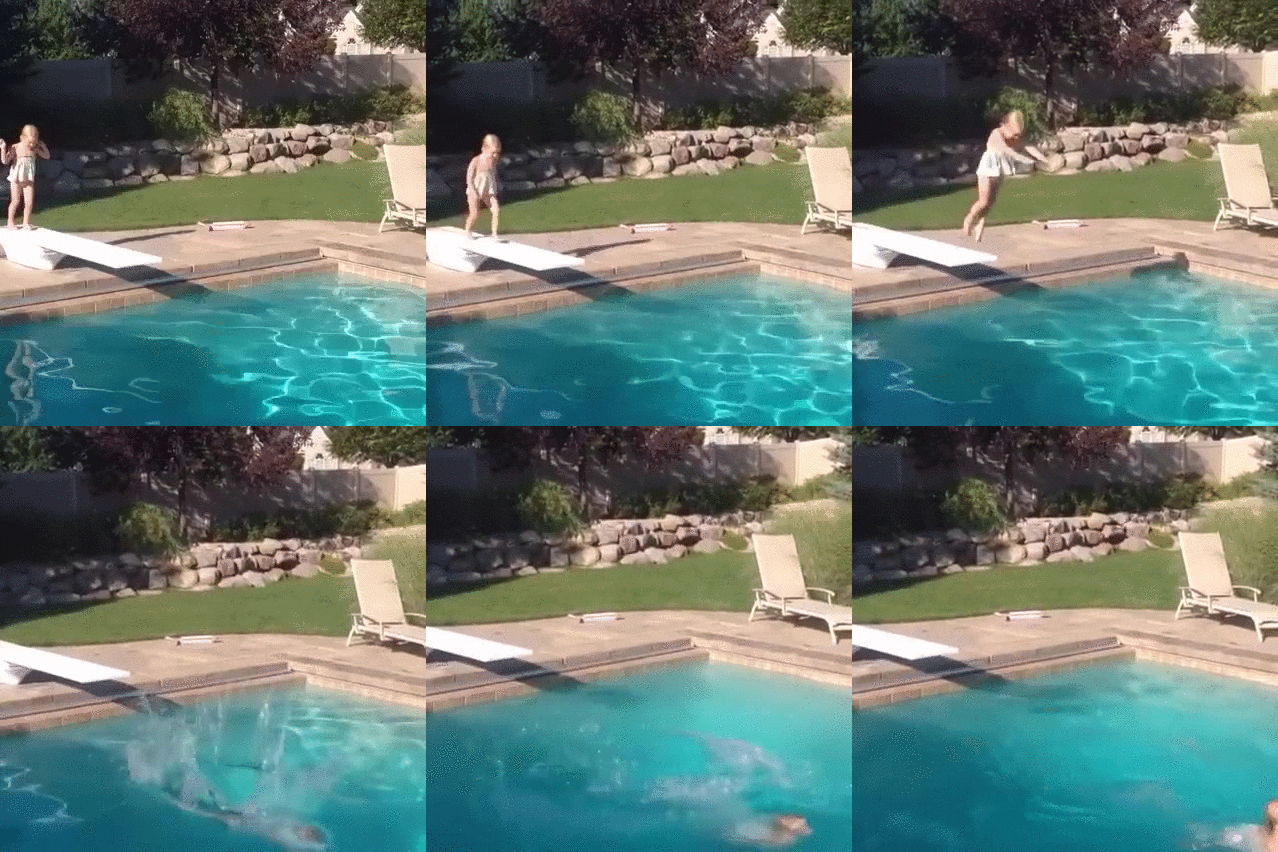
- Learn about the modules you have to use to solve this problem.
- Everything is rapidply evolving...
Where to go to learn more?
- kdnudggets blog about ml/data science.
- pyimagesearch blog about image classification with python (good reference about installing tensorflow/theano/keras/cv2 with gpu support).
- Deep Learning with tensorflow udacity course by google https://www.udacity.com/course/deep-learning--ud730
- Using pandas and scikit-learn.
- kaggle kernels. Many code snippets, in competitions and blog there are tons of code examples.
- coursera, edx courses.